Field notes · FileMaker + AI
The FileMaker AI script steps: a working field guide
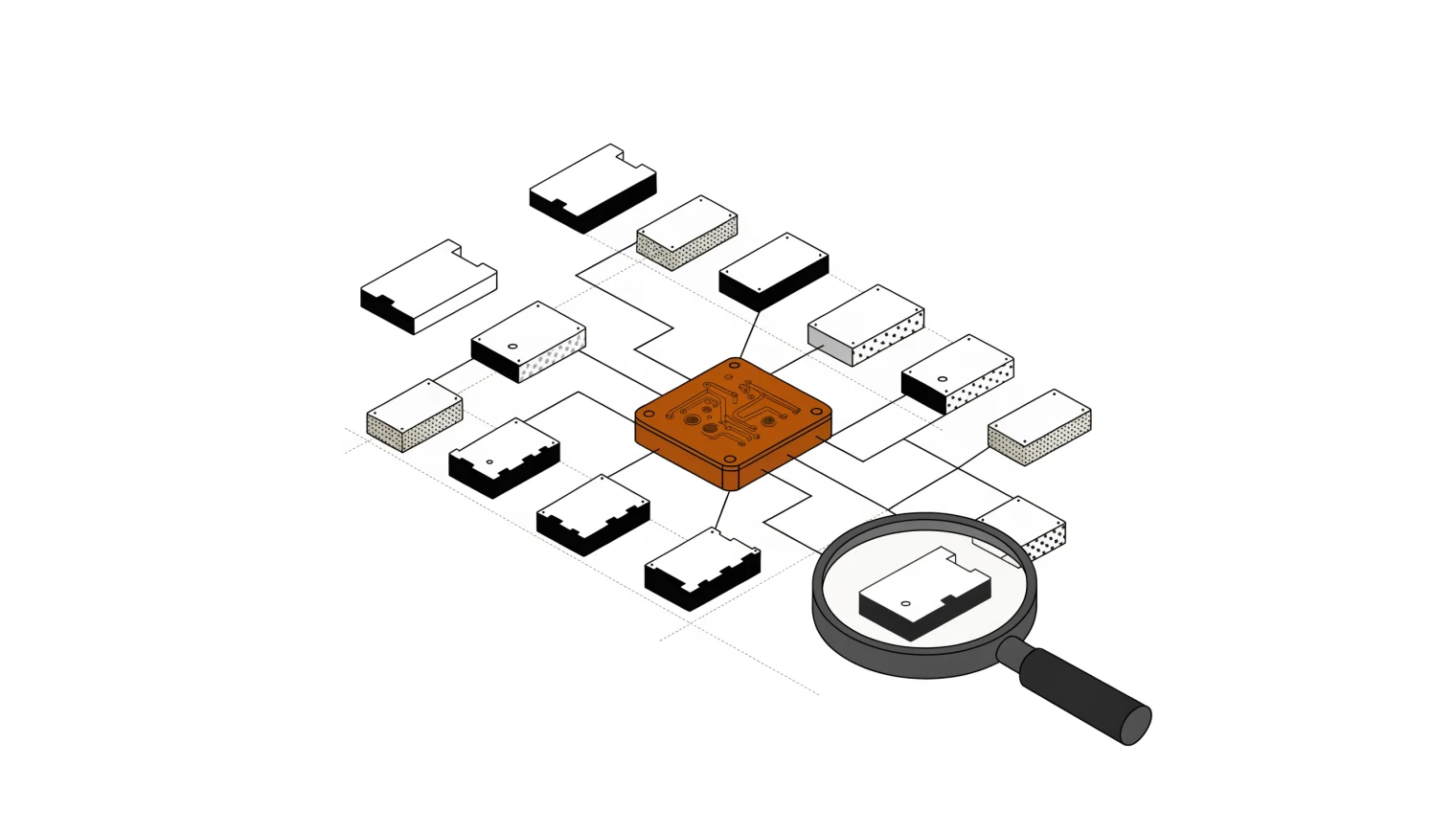
FileMaker has shipped fourteen AI script steps since 2024, and most write-ups stop at listing them. This is the other half: which ones carry real production workloads, which patterns to pick, and the failure modes you only meet after the demo works.
Version notes up front. Six steps arrived in FileMaker 2024 (v21). FileMaker 2025 (v22) added the other eight, plus agentic mode, native RAG, and Anthropic as a provider. FileMaker 2026 (v26) added Google Gemini as a provider, Cohere image embeddings, and the persistent data store (handy for storing fixed AI prompts in the schema rather than in records).
The fourteen steps
| Step | Since | What it does |
|---|---|---|
| Configure AI Account | v21 | Named per-session account: OpenAI, Anthropic, Cohere, Gemini (v26), or Custom |
| Configure ML Model | v21 | Loads a Core ML model |
| Configure Prompt Template | v22 | Reusable template with :question:, :context:, :schema: placeholders |
| Configure RAG Account | v22 | Named account pointing at the FileMaker Server AI Model Server |
| Configure Regression Model | v22 | Pairs with the PredictFromModel() function |
| Fine-Tune Model | v22 | LoRA fine-tune on FileMaker Server from JSONL training data |
| Generate Response from Model | v22 | The big one: streaming, agentic mode, tool calls, message history |
| Insert Embedding | v21 | Embeds a single record's content |
| Insert Embedding in Found Set | v21 | Batch-embeds the found set |
| Perform Find by Natural Language | v22 | Natural language in, Find request out |
| Perform RAG Action | v22 | Add Data / Remove Data / Send Prompt against a RAG space |
| Perform Semantic Find | v21 | Cosine-similarity search over an embedding field |
| Perform SQL Query by Natural Language | v22 | NL in, SQL generated and executed, NL answer out |
| Set AI Call Logging | v21 | Toggles request/response logging |
Three RAG patterns. Pick deliberately.
Nearly every "make FileMaker answer questions about our data" request resolves to one of three architectures, and choosing wrong costs weeks.
1. Native RAG (v22 plus FMS AI Model Server)
Configure RAG Account, then Perform RAG Action [Add Data], then Perform RAG Action [Send Prompt]. RAG spaces persist across file close, and PDFs are supported directly. Two catches from production: encrypted or password-protected PDFs are rejected, and a duplicate PDF filename silently replaces the existing document. Version your filenames if history matters.
2. Manual RAG (no server-side AI required)
Insert Embedding in Found Set into a container field, Perform Semantic Find to retrieve, then assemble the prompt yourself and call Generate Response from Model. This is the pattern for local-model setups where the AI Model Server isn't in play. More on that in the local LLM guide.
3. Prompt-paste RAG
The schema or context lives in a FileMaker field and gets injected into the prompt at runtime. No embeddings, no vector store. When the corpus is small and structured (a schema description, a rules document), this beats both of the above on simplicity and debuggability. Don't let the fancier patterns talk you out of it.
Agentic mode, briefly
In Generate Response from Model, agentic ON lets the model loop tool call, result, tool call until it's done; OFF stops after the first tool call and hands it to you via Tool Calls from Model for manual handling. The predefined execute_sql tool works, with a caveat: append your schema via GetTableDDL() in the parameter description, or the model guesses table names. Custom function tools are supported, and every parameter reports its type as "string", so detailed descriptions do the heavy lifting.
The gotchas that cost us real hours
- Accounts die on file close.
Configure AI Accountis session-scoped. Reconfigure in your startup script, every time. - Model names are case-sensitive.
gpt-4oworks;GPT-4ofails. - Custom endpoints must end with a trailing slash and be OpenAI-compatible, or nothing connects.
- "No tool call exists for the prompt" almost always means your tool descriptions are too vague, not that the feature is broken.
- Proxying through a Cloudflare tunnel adds up to a minute of latency to AI calls and can trip the 100-second timeout. Hit the endpoint directly or use a streaming-capable proxy with buffering off.
- Embeddings are model-married. Every vector in a field must come from the same embedding model. Switching models means re-embedding the corpus.
What actually sends your data where
Worth knowing before a compliance conversation: Perform Find by Natural Language sends only field names and the query, no record data. Perform SQL Query by Natural Language sends schema DDL, and record data only round-trips to the model if you ask for a natural-language summary of results rather than just the SQL. Tool-using models see only what the tool results return. If even that is too much exposure, the answer is a local model, which is exactly what the next note covers.
Running FileMaker and wondering what AI is worth wiring in?
We scope it honestly: what you run, where it hurts, whether AI helps, and a number on it. Based in Dunchurch, Ontario; working anywhere.
Open a briefing