Field notes · On-premises AI
Connecting FileMaker to a local LLM on Apple Silicon
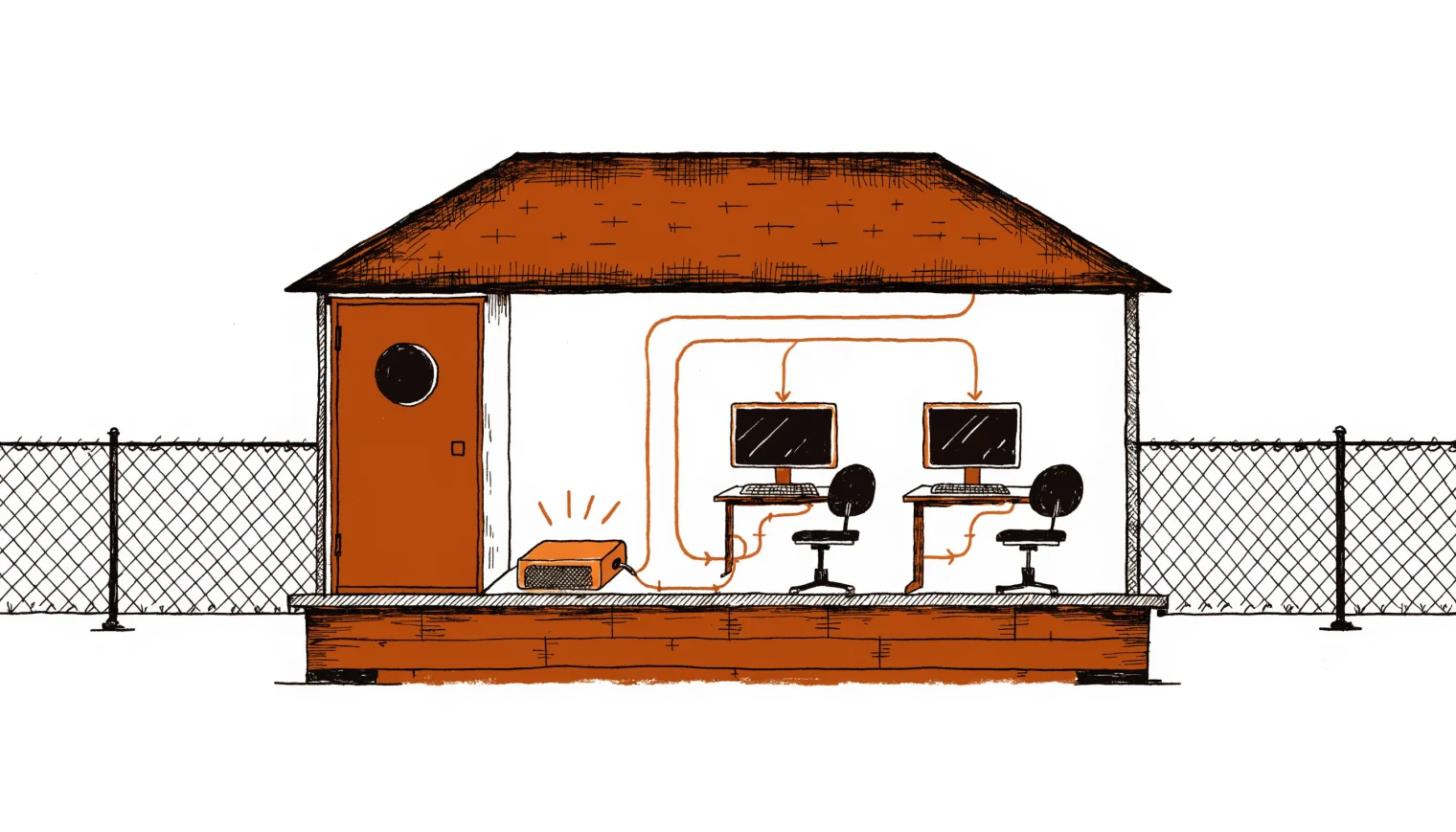
Every FileMaker AI demo you've seen runs against OpenAI. That's fine until the data is patient records, legal files, or a client contract that says "no third-party processing." The good news: FileMaker's AI stack doesn't care whose model answers, as long as the endpoint speaks the OpenAI wire format. A Mac in your server closet qualifies.
This is the setup we deploy: what to configure in FileMaker, what to run on the metal, and where the sharp edges are.
The one configuration that matters
FileMaker's Configure AI Account step has a Custom provider option that accepts any OpenAI-compatible endpoint. For Ollama running on the same machine:
Configure AI Account [
  Account Name: "local" ;
  Model Provider: Custom ;
  Endpoint: "http://localhost:11434/v1/" ;
  API key: "anything-nonempty"
]
Two details break more installs than everything else combined:
- The endpoint must end with a trailing slash.
.../v1fails,.../v1/works. - The account dies when the file closes. Put the Configure step in your startup script, not in a setup script someone ran once in March.
From there, Generate Response from Model, Insert Embedding, and Perform Semantic Find all work against the local endpoint the same way they would against OpenAI.
Embeddings run local too
Semantic search doesn't need a big model. A dedicated embedding model like mxbai-embed-large runs in under a gigabyte of memory and handles Insert Embedding in Found Set across tens of thousands of records without drama. Store vectors in a container field (binary) rather than a text field: smaller, and Perform Semantic Find is faster over it. Keep the text-field JSON form for debugging only.
RAG without the AI Model Server
FileMaker Server's native RAG spaces are tied to the Claris AI Model Server. In a fully local deployment you use the manual pattern instead, and it's honestly more controllable:
Insert Embedding in Found Setover your documents table, vectors into a container field.Perform Semantic Findwith the user's question to pull the top-k relevant records.- Assemble the prompt yourself: question plus the retrieved chunks.
Generate Response from Modelagainst the local account.
Each stage is a plain script step you can log, inspect, and tune. When retrieval quality is off, you can see exactly which chunks came back instead of guessing what a black-box RAG space did. The broader step-by-step context lives in the AI script steps field guide.
Sizing the hardware
Apple Silicon's unified memory is why this works at small-office prices: the GPU sees all of it, so model size is bounded by RAM, not a discrete card.
| Workload | Model class | Machine that carries it |
|---|---|---|
| Embeddings + semantic find only | ~1 GB embedding model | Any M-series Mac mini |
| Chat, summaries, document extraction | 7B to 14B, quantized | M-series with 16 to 32 GB |
| NL-to-SQL reporting, assistants, heavier reasoning | 30B-class MoE, quantized | M-series Pro/Max, 48 GB and up |
One result from our own bakeoffs worth passing on: on a 45-question FileMaker SQL-generation benchmark, Qwen3.6-35B-A3B (8-bit, a mixture-of-experts model with ~3B active parameters) scored 45/45 where the dense Qwen3.6-27B scored 41/45, while running 3 to 4 times faster. Architecture beats raw parameter count; benchmark on your actual workload before buying anything.
The sharp edges
- Don't route FileMaker's AI calls through a Cloudflare tunnel. We've measured around 60 seconds of added latency, enough to hit the 100-second timeout. LAN-direct, or an nginx proxy with
proxy_buffering offand HTTP/1.1. - Generation timeouts are real on underpowered hardware. If first-token latency is long, the fix is a smaller quant or a bigger machine, not a longer timeout.
- Closed-network deployments: the
AI_DISABLEEXTERNALURLSassisted-install setting (v22.0.5+) shuts off external URLs, and takes Claris ID, Cloud, Connect, and Studio with it. Know that before you flip it. - Model naming still matters. The model field must match what the local server reports, exactly and case-sensitively.
What the client actually gets
The pitch for on-premises AI isn't ideology, it's a property line: prompts, documents, and embeddings never leave hardware the client owns. When we hand over, the machine, the models, the admin keys, and the documentation are theirs. No per-token bill, no vendor dependency for the system to keep working.
Data that can't leave the building?
We design, build, and hand over on-premises AI wired into FileMaker: hardware sized to the workload, open-source models tuned and load-tested, yours at the end. Dunchurch, Ontario; working anywhere.
Open a briefing